Opair is a coding harness that works more like pair programming and less like code review. Using Opair is collaborative; it requires attention, thought and effort. If you want a harness that just gets on with whatever you give it, Opair is not for you.
Why?
Hopefully none of the following statements seem controversial:
- Shared ownership and shared understanding are worth investing in.
- Big changes are harder to understand than small ones.
- Breaking down big changes is not always easy and can add more time before a change is ready to ship.
- One way to increase shared understanding of big changes is through pair programming.
Opair applies this to coding with an LLM. You can read more about the rationale on the philosophy page.
How?
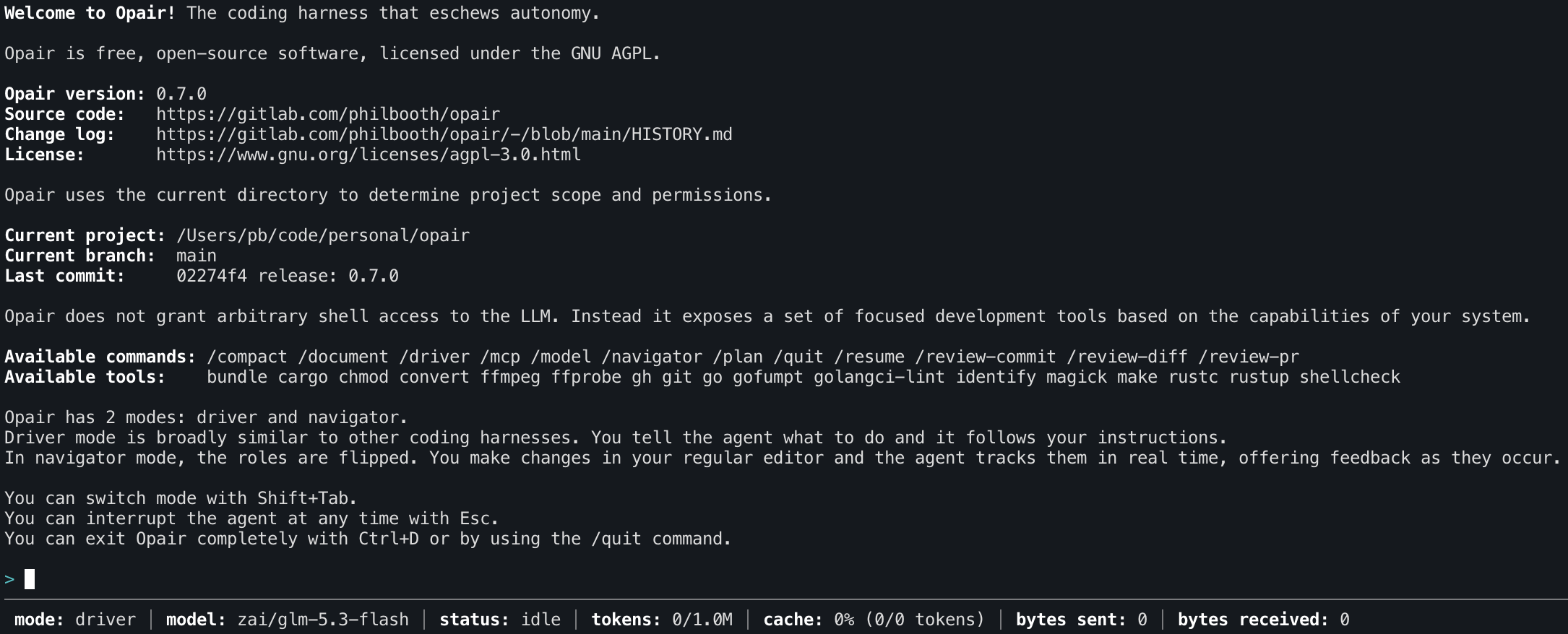
Some of the affordances commonly made by other harnesses are completely absent in Opair. The agent does not work autonomously. There's no tool that grants shell access. All tools are scoped to restricted functionality and support fine-grained permissions.
Opair separates the roles of driver and navigator, granting the agent specific permissions that match its current role. Most of the time the user navigates and the LLM drives, but the roles can be swapped at any point by pressing Shift+Tab.
In driver mode, the agent has access to tools that can write to the file system, although execution is gated by user approval. Project writes can be auto-approved for the remainder of a session, but ignored paths, dotfiles and external writes can't. In this mode Opair is similar to other harnesses, but with less autonomy for the LLM.
In navigator mode, the LLM has no access to writable tools. Instead it monitors the project for changes and is instructed to act as a thinking partner. As changes are made, the agent shares feedback. Only project files are monitored, not external files and not dotfiles within the project structure.